
News

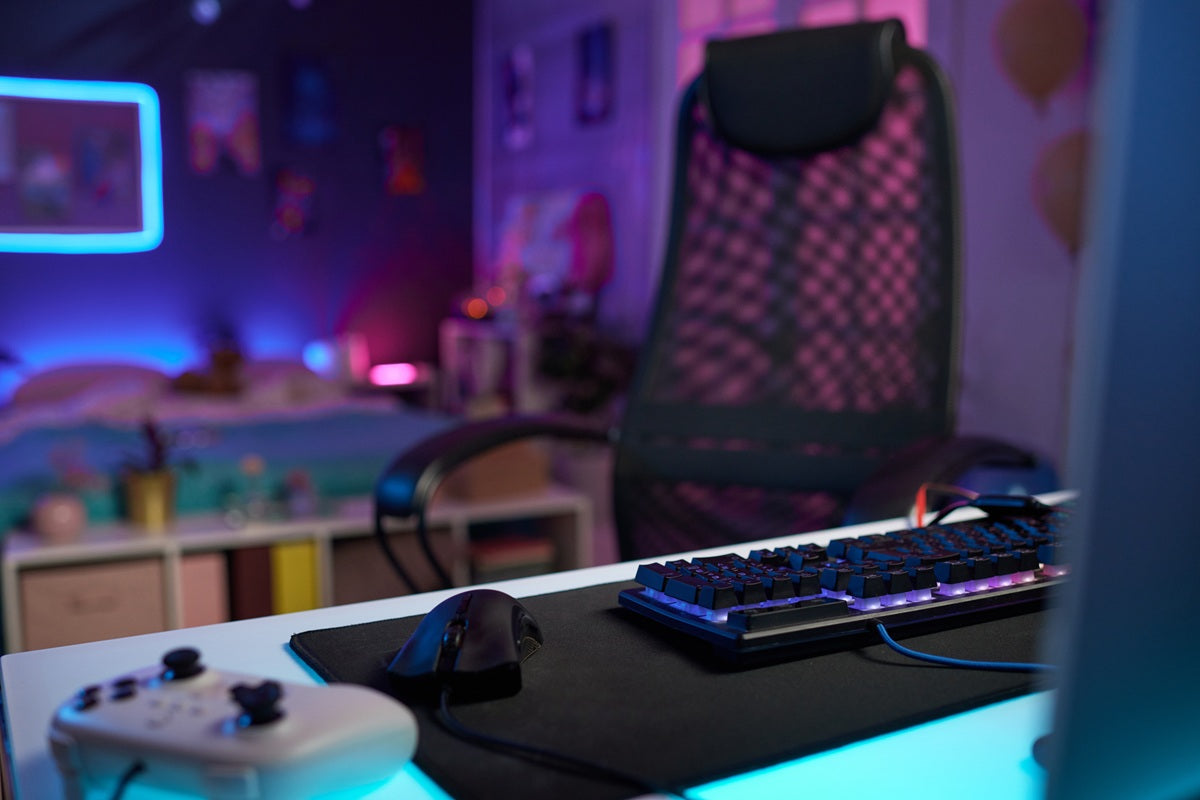
an image of a streamer's clean gaming setup with accessories

Best Gaming Desk Accessories for RGB Setups That Still Look Clean
Nothing pulls a gaming setup apart faster than RGB lighting fighting for attention against a mess of cables and mismatched gear. At Guilds, we work with Singapore gamers and streamers who want a setup that looks as sharp on camera...

Read moreabout Best Gaming Desk Accessories for RGB Setups That Still Look Clean

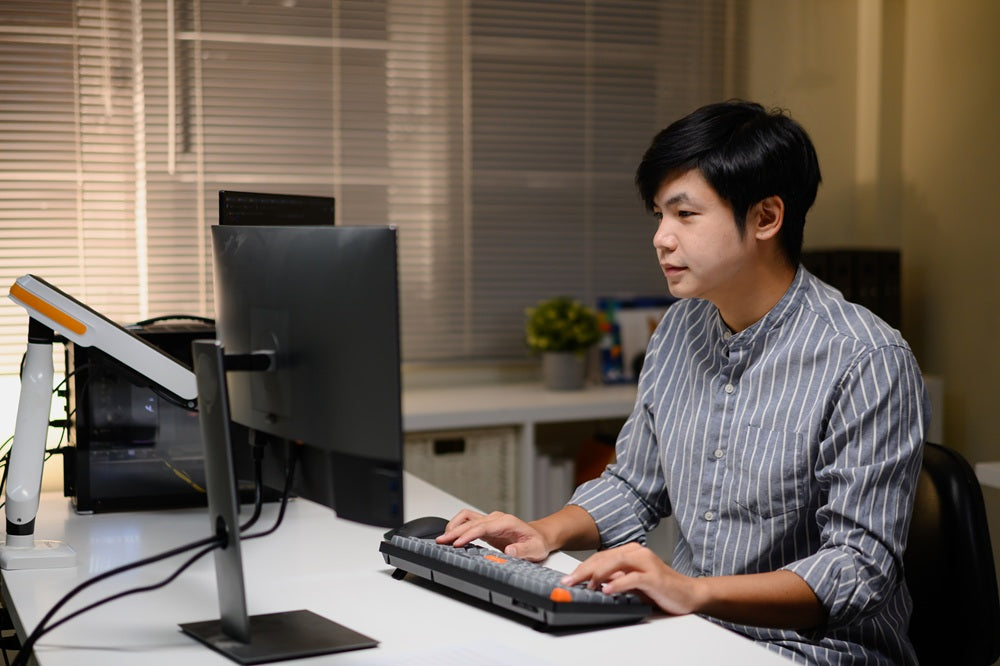
Monitor setup with an adjustable monitor stand designed for small desks and everyday home office use.

Best Adjustable Monitor Stand in Singapore for Small Desks and Compact Home Offices

Working from a small desk often means making compromises. Your monitor competes for space with your keyboard, laptop, notebooks, chargers, and everything else you need throughout the day. Before long, the workspace feels cramped, cluttered, and uncomfortable. Finding the right...

Read moreabout Best Adjustable Monitor Stand in Singapore for Small Desks and Compact Home Offices
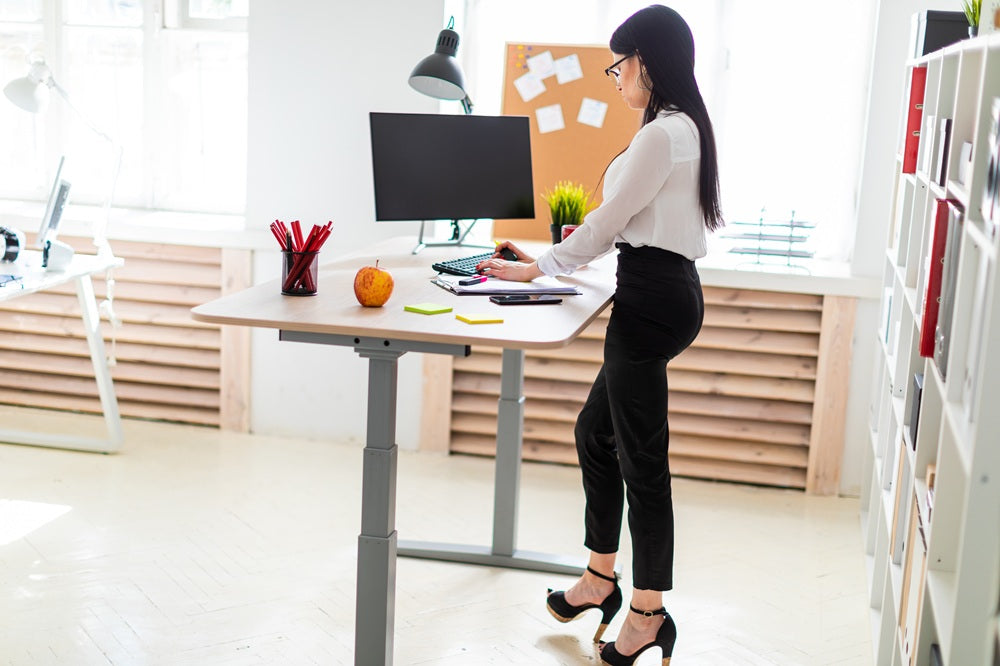
Professional using a height-adjustable VESA monitor stand with a standing desk to maintain an ergonomic working posture.

Height-Adjustable VESA Monitor Stand for Standing Desks: What to Check Before You Buy

Standing desks have become a popular choice for professionals, students, and remote workers looking to create a healthier workspace. However, simply switching to a sit-stand desk is not enough. If your monitor cannot move with your desk or sits at...

Read moreabout Height-Adjustable VESA Monitor Stand for Standing Desks: What to Check Before You Buy

Professional using a VESA monitor arm with a dual monitor setup to achieve an ergonomic workstation for 24-, 27-, and 32-inch monitors.

VESA Monitor Arm Size Matching Guide for 24-, 27- and 32-Inch Monitors
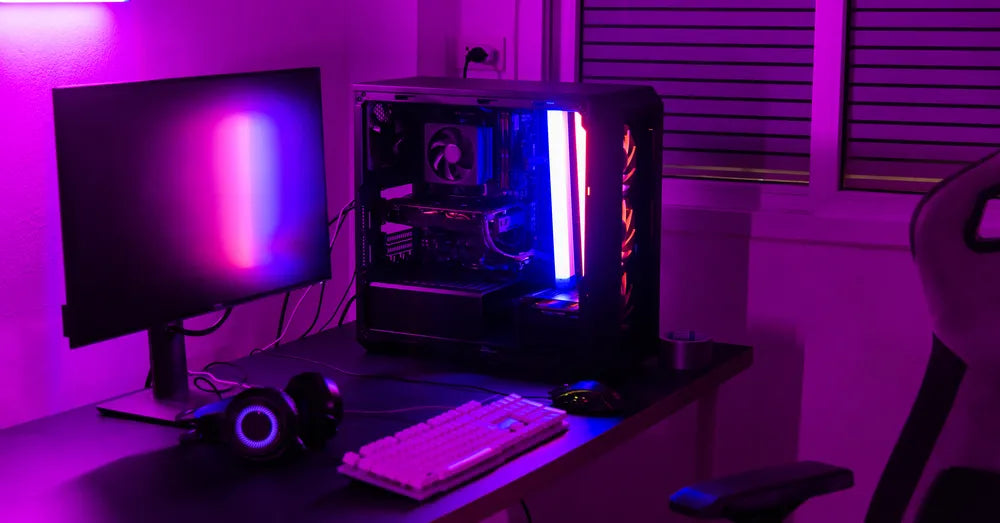
Buying a VESA monitor arm may seem straightforward, but choosing the right one involves more than matching it to your monitor's screen size. While 24-, 27-, and 32-inch monitors are among the most popular options for home offices and professional...

Read moreabout VESA Monitor Arm Size Matching Guide for 24-, 27- and 32-Inch Monitors

Gaming desk setup with a customisable monitor stand creating an organised and immersive workspace.

Customisable Monitor Stand Ideas for Minimalist and Gaming Desk Setups
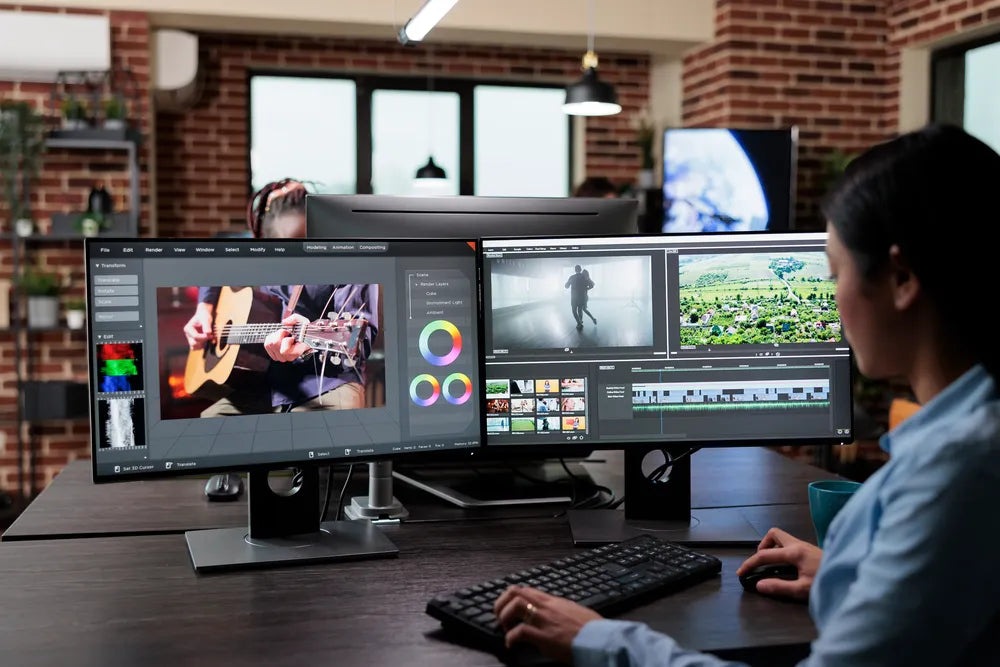
A well-designed workspace is about more than choosing the latest monitor or mechanical keyboard. The way your desk is organised influences how comfortable you feel, how efficiently you work, and even how enjoyable it is to spend time at your...

Read moreabout Customisable Monitor Stand Ideas for Minimalist and Gaming Desk Setups

Professional using a dual monitor setup for graphic design and creative work with ergonomic monitor stands.

Best Monitor Setup for Coding, Design and Excel Work: Which Layout Fits Your Workflow?
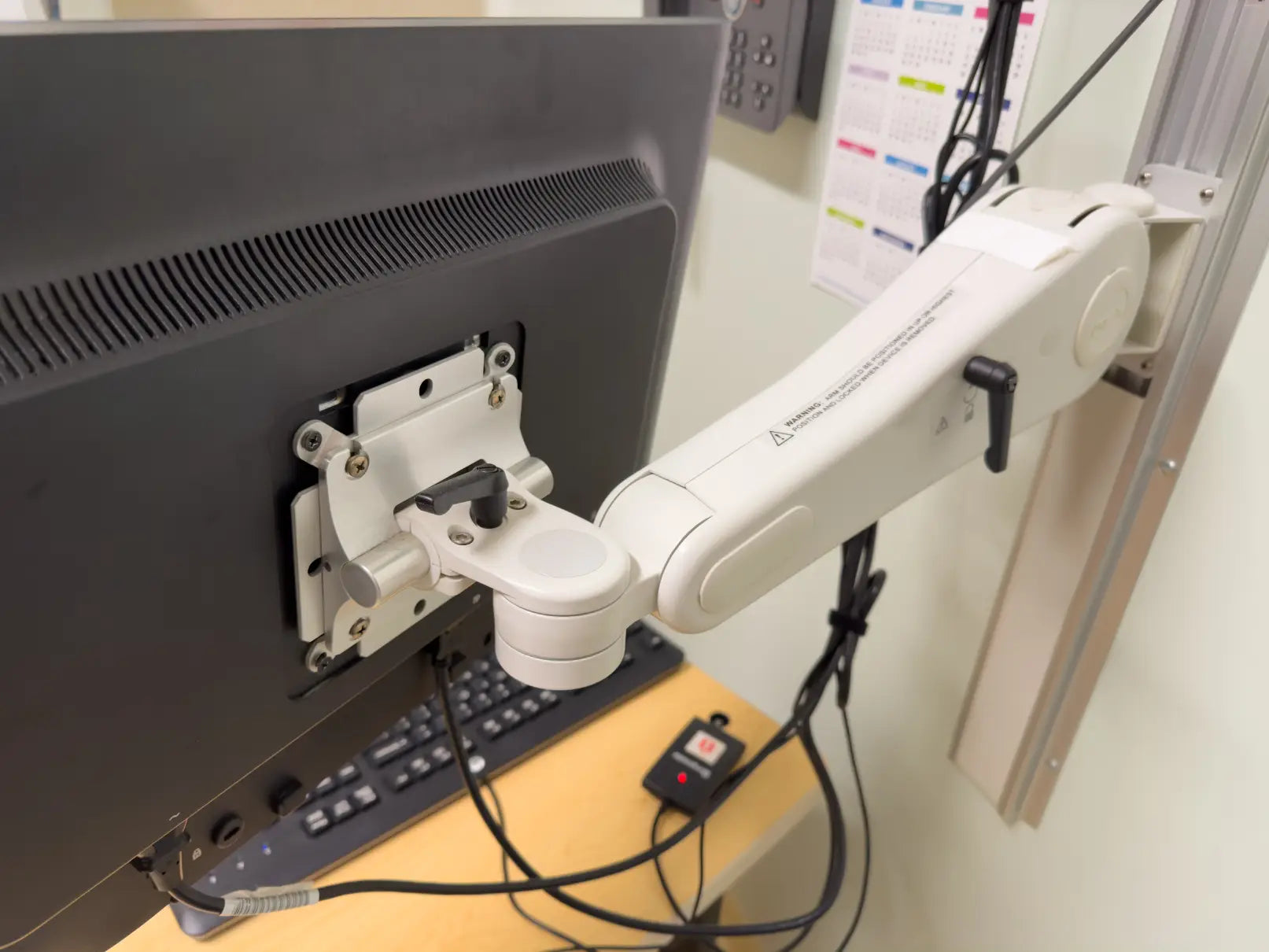
If you are writing code, designing graphics, or working with large spreadsheets, your monitor setup plays a significant role in how efficiently and comfortably you work. The right layout can reduce unnecessary screen switching, improve posture, and make better use...

Read moreabout Best Monitor Setup for Coding, Design and Excel Work: Which Layout Fits Your Workflow?

vesa monitor arm featured image

7 Signs You Need to Upgrade to a VESA Monitor Arm for Your Desk
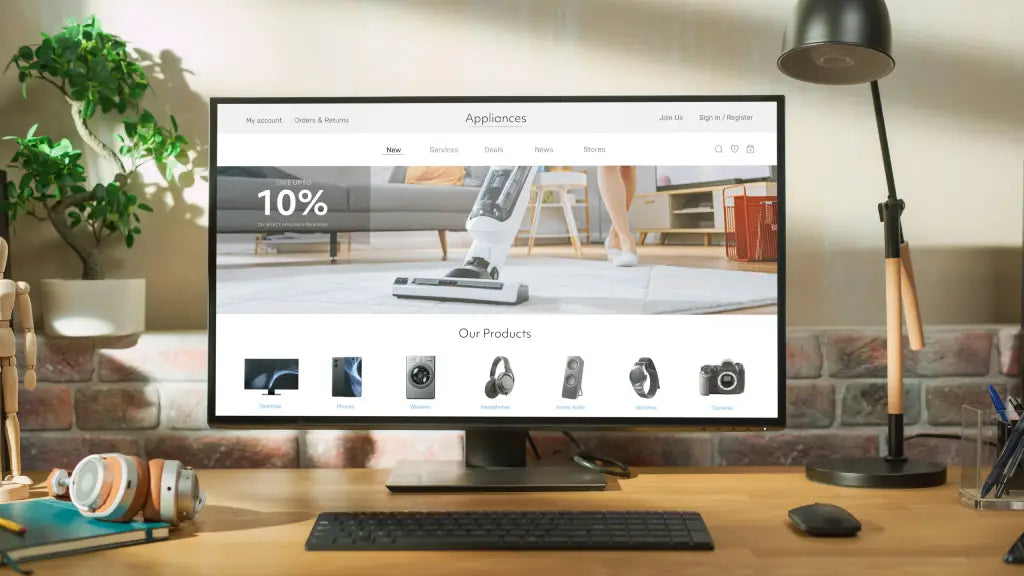
If you end the workday with a stiff neck, sore shoulders, or a cramped desk, your monitor setup could be the cause. Focusing on the chair or keyboard is common, but the monitor position also strongly affects comfort and posture....

Read moreabout 7 Signs You Need to Upgrade to a VESA Monitor Arm for Your Desk

different types of monitor stand featured image

The Different Types of Desk Monitor Stands: Which One is Right For You?
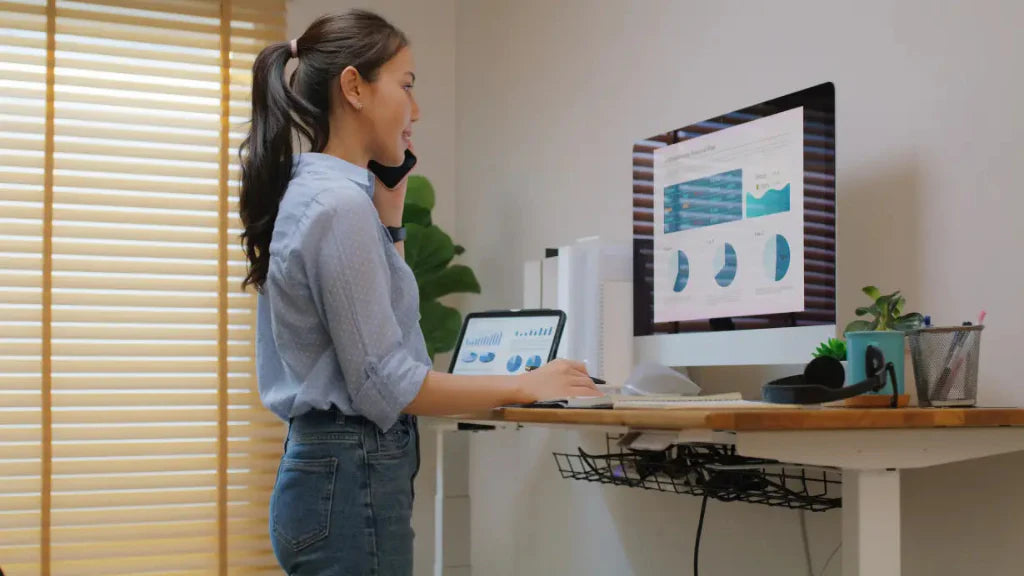
Many people spend six to ten hours a day working in front of a computer, yet few consider how their desk setup affects posture and comfort. Poor workstation ergonomics has become a common issue in modern workplaces, especially as remote...

Read moreabout The Different Types of Desk Monitor Stands: Which One is Right For You?

Features Your Monitor Stand Should Have for an Ergonomic Workstation

Features Your Monitor Stand Should Have for an Ergonomic Workstation

Most people spend hours at their desks, staring at a screen. If your monitor is too low, you tilt your head or hunch forward, which can cause neck pain, poor posture, and discomfort, especially during long workdays. A monitor stand...

Read moreabout Features Your Monitor Stand Should Have for an Ergonomic Workstation

Chat with Guilds

Customer Support

Hi Guilds, I'm interested in the Altura Stand. Could you assist me with product details, pricing, and delivery?

Start Chat